
Green Cloak Games
Tile Tick World Forge
The chunk-based world editor I’m developing alongside Core RPG.
World Forge is for authoring the world: create chunks, import a heightmap or sculpt terrain, paint tiled surfaces, place objects and prepare runtime content. It keeps tile scale, floor identity and world coordinates visible while you work.
Standalone store availability and inclusion in a Core store release are not announced here. If your Core project already includes Forge, use that copy rather than importing overlapping assemblies.
Inside the editor
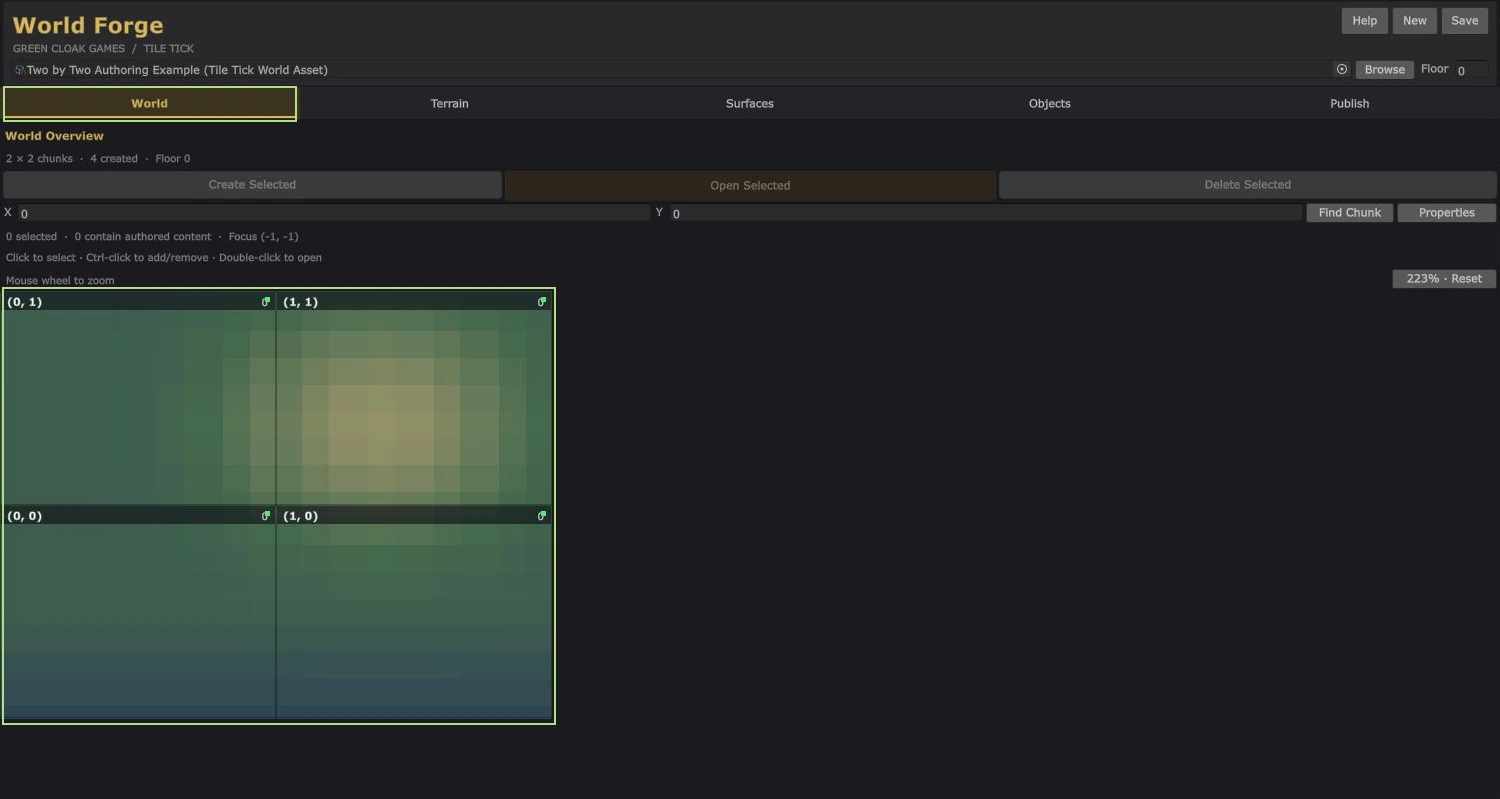
- Heightmap import and direct terrain sculpting.
- Whole-tile and triangle surface painting.
- Water, rivers, prefab placement and constructed floors.
- Scene baking and separate visual-client/headless-collision publication.
Requirements
The standalone development setup uses Unity 6000.5.8f1 with URP 17.5.0. Core projects use Core’s own setup. The standalone authoring tool does not require the Core runtime.
The current Publish UI targets Windows 64-bit. Runtime bundles must match the consuming target, role and authored world revision.
Known issues and troubleshooting